Specialized roof
and solar data.
Old and storm-hit roofs, orphan solar systems, homes without panels. Every home comes with the owner and phone numbers, and call centers get unlimited contact info to keep every seat dialing.
Trusted by the roofing and solar teams at














Roofing data
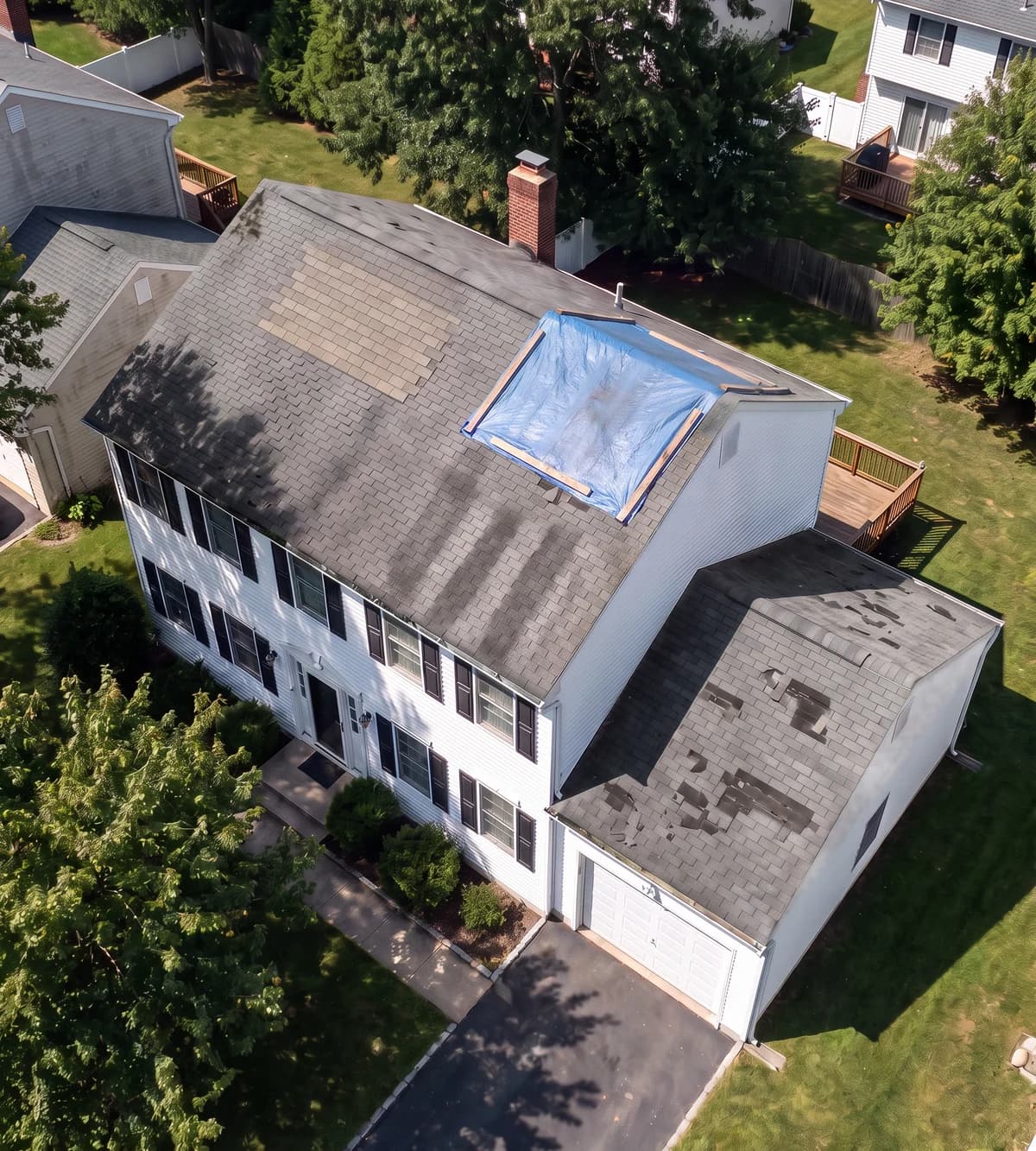
Old roofs, storm-hit roofs, and brand-new ones.
Each home comes with the owner and phone numbers. Teams use it for retail re-roofs, storm restoration and add-on sales.
Roof age is the age of the roof, not the age of the house.
 Roof RetireesRoof is 15+ years old.Use it forRetail re-roofs in the weeks between storms.
 Storm SurvivorsHit by 1-inch+ hail or 70+ mph wind in the last 12 months.Use it forStorm restoration and insurance work, with the storm date to name on the call.
- Fresh RoofsNew roof in the last 2 years.Use it forGutters, solar and add-ons for owners who just invested in the house.
Solar data
Who has panels, who wanted them, and whose installer is gone.
Each home comes with the owner and phone numbers. Teams use it for new installs, service, batteries and solar exit.
Panels on the roof and a solar permit are shown as two separate facts.
 Solar OrphansSolar on the roof, and the installer went out of business.Use it forService, repairs, monitoring and batteries for owners nobody supports.
 Ghosted SolarPulled a solar permit, never got panels.Use it forFinish a sale they already said yes to.
 Bare RoofsNo panels on the roof, and the owner lives there.Use it forNew installs, without calling homes that already have solar.
 Panel Owners ClubSolar already on the roof.Use it forBatteries, service plans and add-ons.
 Inherited SunshineMoved into a home with solar in the last 2 years.Use it forService, batteries and help with a contract they did not sign.
Real-estate data
Absentee, out-of-state, and high-equity owners.
Each home comes with the owner, the mailing address and phone numbers. Agents, investors and loan officers use it for listings, offers and mailers.
The owner's mailing address is on the record, so mail reaches the owner, not the tenant.
 Off-Site OwnersThe owner does not live at the home.Use it forCash offers and listing pitches, sent to the owner's own address.
 Long-Distance OwnersThe owner's mailing address is in another state.Use it forOffers to owners who look after the home from far away.
 Equity RichValued at more than twice what the owner paid.Use it forListing pitches, investor offers and loan officers' mailers.
Call-center data
Homeowners who pick up, ready for your dialer.
Every data type above, cut to the markets you dial and delivered in your dialer's format. Call centers use it for roofing, solar and home-services appointment setting.
One active mobile per home, matched to the owner, checked against Do Not Call.
- Perfect-match homeownersOne active mobile per home, matched by name to the owner, Do Not Call checked.Use it forThe person who answers owns the home and can book the appointment.
- Active mobiles firstMobiles active in 5 of the last 12 months sit at the top of the file.Use it forMore pickups on the first pass.
- Built to your pitchFiltered by home value, build year, years in the home and household language.Use it forA file that fits your agents' offer, including Spanish-speaking homes.
- Fresh, never repeatedEach new file skips every home you already have, and wrong numbers come back replaced.Use it forNo repeat dials and no dead lines.
For call centers
Unlimited contact info. Keep every seat dialing.
One plan, unlimited homeowner contacts. Verified owners and their phones, ready to load the day they land.
- No per-record count to watch or run out of
- The owner's phone numbers, with line type
- Do Not Call flag on every number
- Fresh homes in your markets as your floor dials through them
- Records
- Unlimited no count, no top-ups
- Contact
- Owner of record name and mailing address
- Phones
- Every number we have with line type
- Do Not Call
- Flagged on every number
- Seats
- Your whole floor
Case study
Less than half the dialing per appointment. In the call center’s own dialer.
All case studies
Every record
One home, its owner and the phones to call.
Every data type comes with these fields. When we do not know a value, the record says Unknown. Unknown never means no.
Owner and phones
Homeowner contacts that connect
- Owner name of record
- Phone numbers with line type
- Do Not Call flag on every number
- Mailing address
Roof, solar, storms
Why the home is on your list
- Last roof permit and its date or none on record
- Roof material where on record
- Panels on the roof seen, not seen, not checked
- Solar permit and the installer on it
- Storms at the address type and date
Property
The home itself
- Property address
- Year built shown apart from roof age
- Home value labelled as an estimate
- Last sale date
What a record looks like
One home, its owner and the phones to call.
Your free sample shows real homes from your market. The address, owner and phone stay hidden in the sample.
- Owner
- Linda
- Phone
- (602) ••• ••14 Mobile
- Roof age
- 20+ years from the last roof permit
- In the home
- About 10 years
- Do Not Call
- Not on the list
Example record. Not a real home or person.